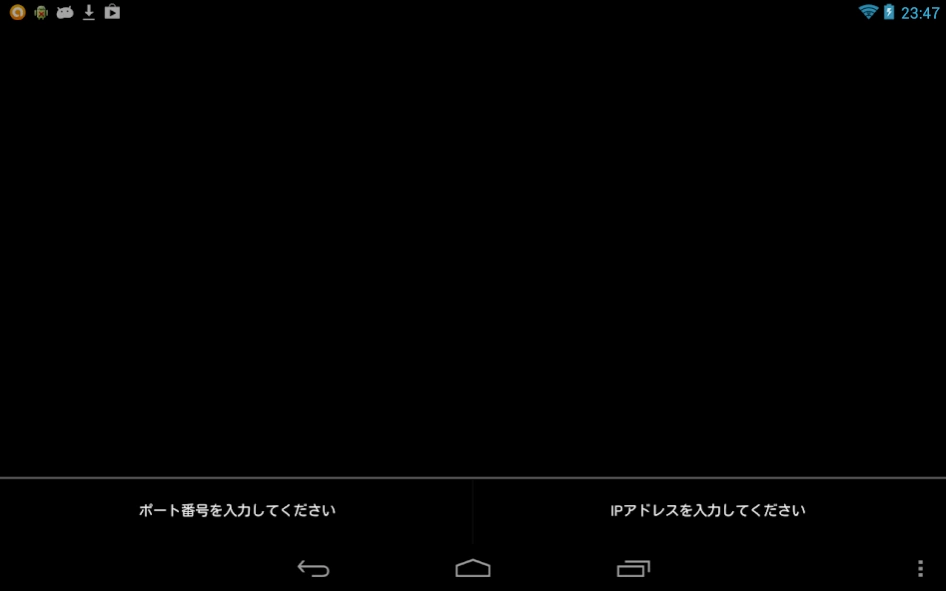
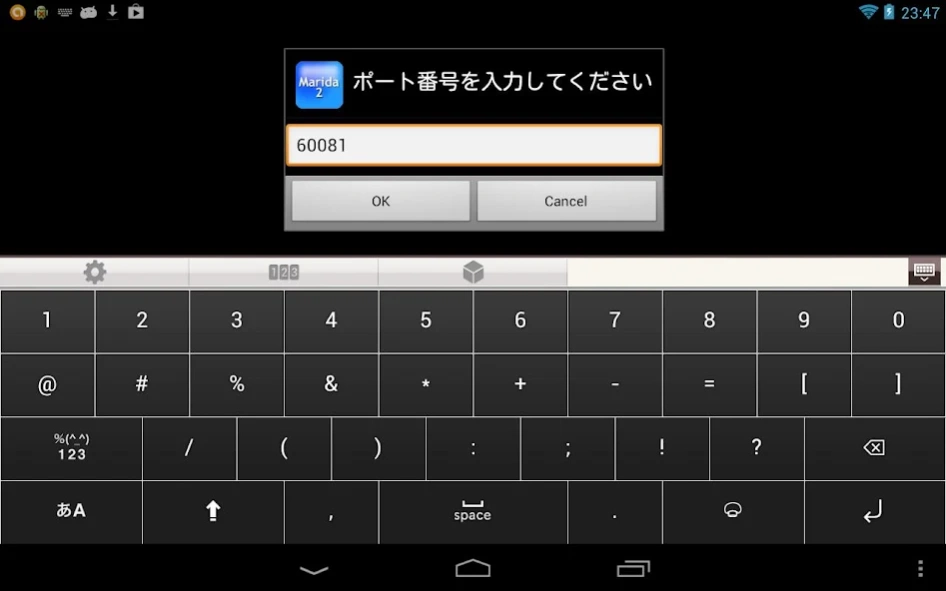
About Marida2
Marida2 in response to the code sent from the client that is TCP / IP connection is an engine for processing the Android UI status of and Android. No operation is carried out in the Marida2 alone. Works by the command is...
Marida2 in response to the code sent from the client that is TCP / IP connection is an engine for processing the Android UI status of and Android.
No operation is carried out in the Marida2 alone. Works by the command is sent from a device socket connected by TCP / IP.
Marida2 is the upgrade version of the Marida.
When you use the Marida2, for example, it makes it possible to directly control the Android from the device connected Micro-Bridge from the USB port. For example, in a state where the USB debugging turned on, when you issue the adb command, such as the following from the device connected, 60081 port of Android will come to be swung to the port of the device connected via USB.
> adb forward tcp: 60081 tcp: 60081
Now, since the connection device and the Android is ready to TCP / IP communication, via USB from the outside, you will be able to control the Marida2. In the case of the PC, is easy because the adb command can be used, if carried out in the microcomputer the same thing, it will be able to manipulate the Marida2 by a microcomputer.
In addition, also from another app in Android, by socket connection in Android, you can use the function of Marida2. Ya_mruby of another app, by using this will not operate the UI of Android.
Please refer to the web site for more information.
http://d.hatena.ne.jp/tarosay/20130320/1363768720
Previous Versions
Here you can find the changelog of Marida2 since it was posted on our website on 2017-06-23 04:06:26.
The latest version is 1.01 and it was updated on 2024-04-23 10:28:53. See below the changes in each version.
Marida2 version 1.01
Updated At: 2013-03-20
Changes: Ver 1.01,Bug correction of rotation around screen.,Ver 1.00,The first registration.
Disclaimer
Official Google Play Link
We do not host Marida2 on our servers. We did not scan it for viruses, adware, spyware or other type of malware. This app is hosted by Google and passed their terms and conditions to be listed there. We recommend caution when installing it.
The Google Play link for Marida2 is provided to you by apps112.com without any warranties, representations or guarantees of any kind, so access it at your own risk.
If you have questions regarding this particular app contact the publisher directly. For questions about the functionalities of apps112.com contact us.